

The AI coworker that ends context switching
Your real work keeps getting buried under managing it. Blue runs it across Slack, email, docs, calendar and your CRM, so you stop switching and start finishing.
Get early accessWatch the demo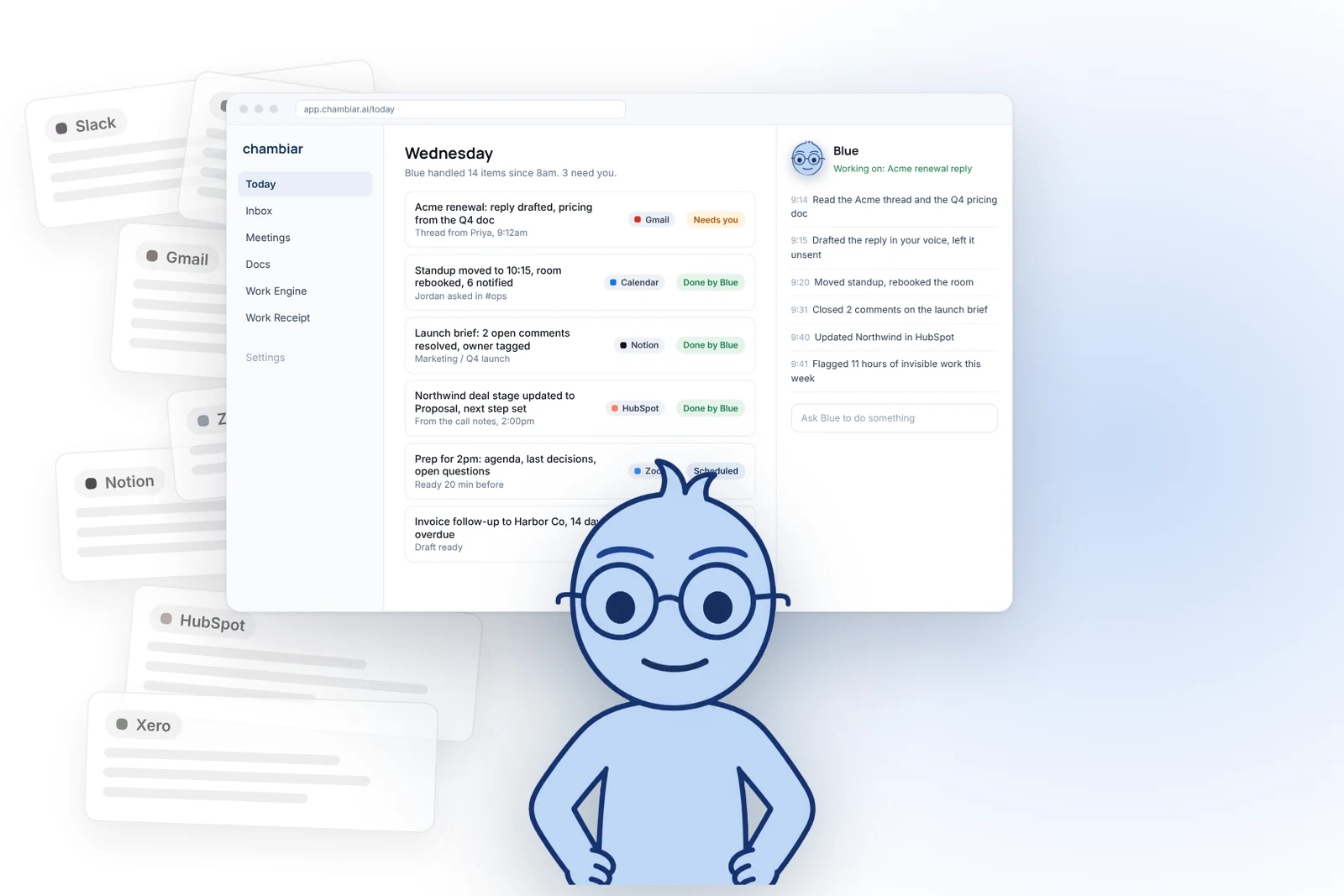

Watch the demo
Let Blue run your work.
Three minutes of Blue, your AI coworker, pulling Slack, Notion, email, calendar, docs and your CRM into one interface, surfacing what matters, and moving it forward. No setup. No new tab to babysit.
Watch the demo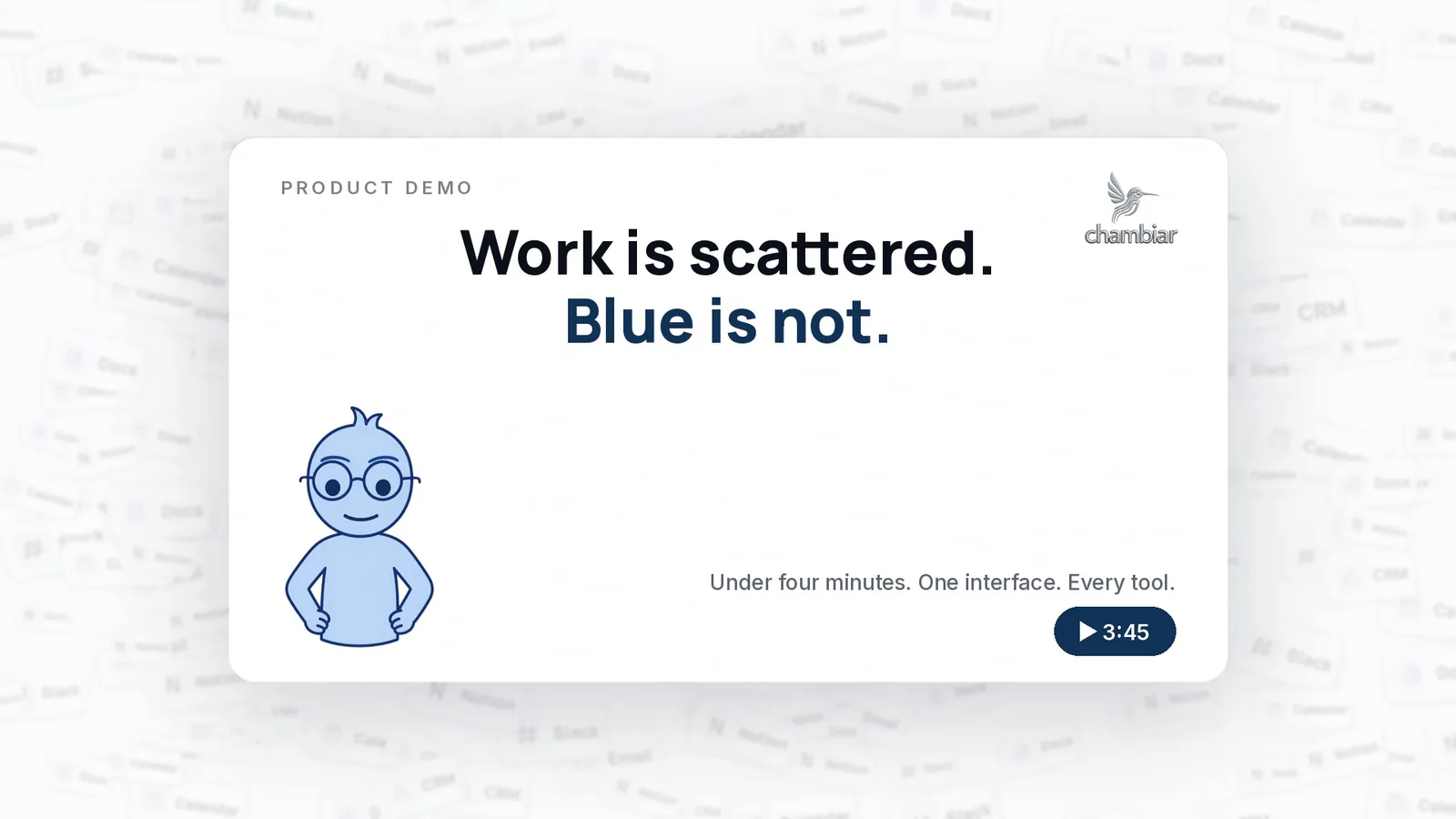
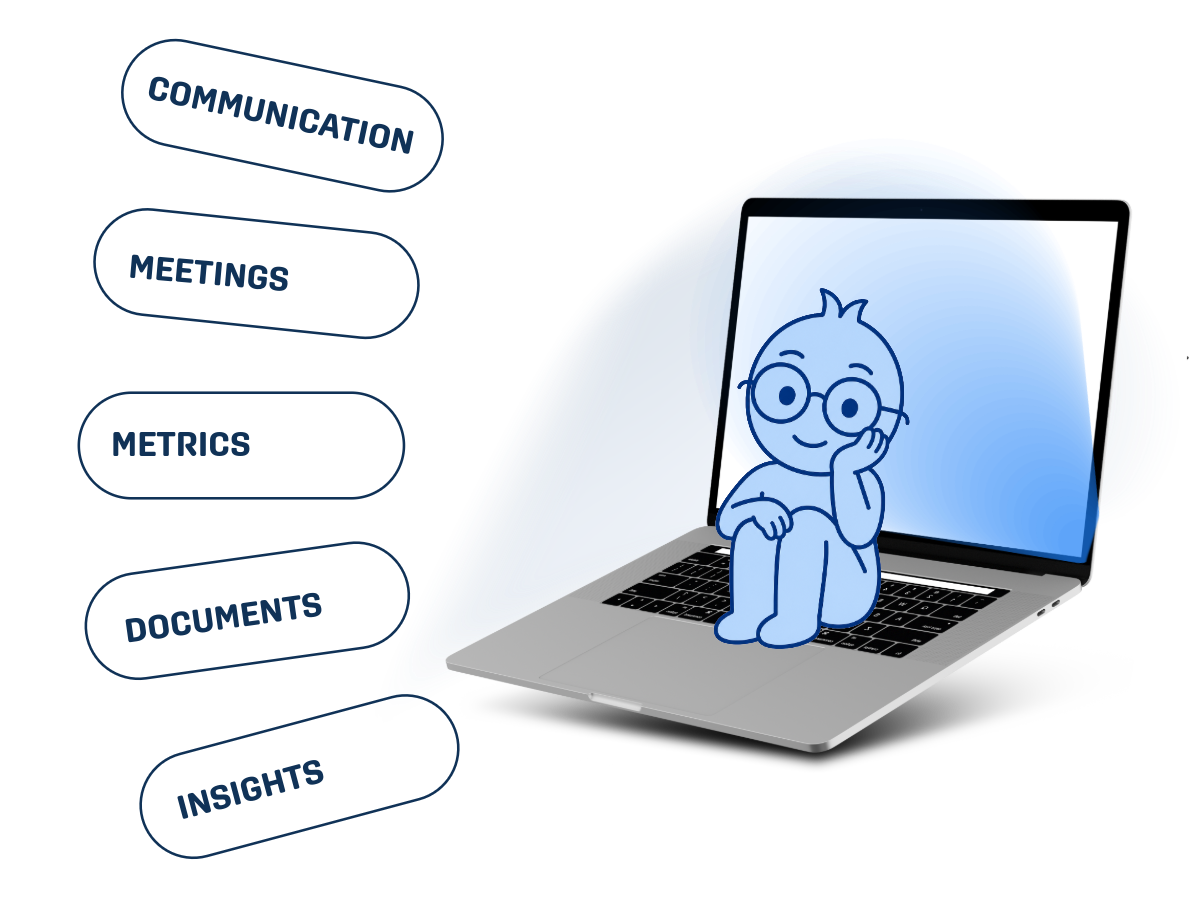
your tools, one layer






.png)
Invisible work keeps everything running. Nobody sees it.
So it doesn’t get measured, and it doesn’t get rewarded.
That’s not a people problem. That’s a system problem.
A normal Tuesday:
- You open Slack to find a doc.
- The doc sends you to email.
- The email turns into a meeting.
- The meeting turns into more work.
You’re not working. You’re navigating systems.
That’s context switching, and it eats the day.
See how Blue breaks the loop →

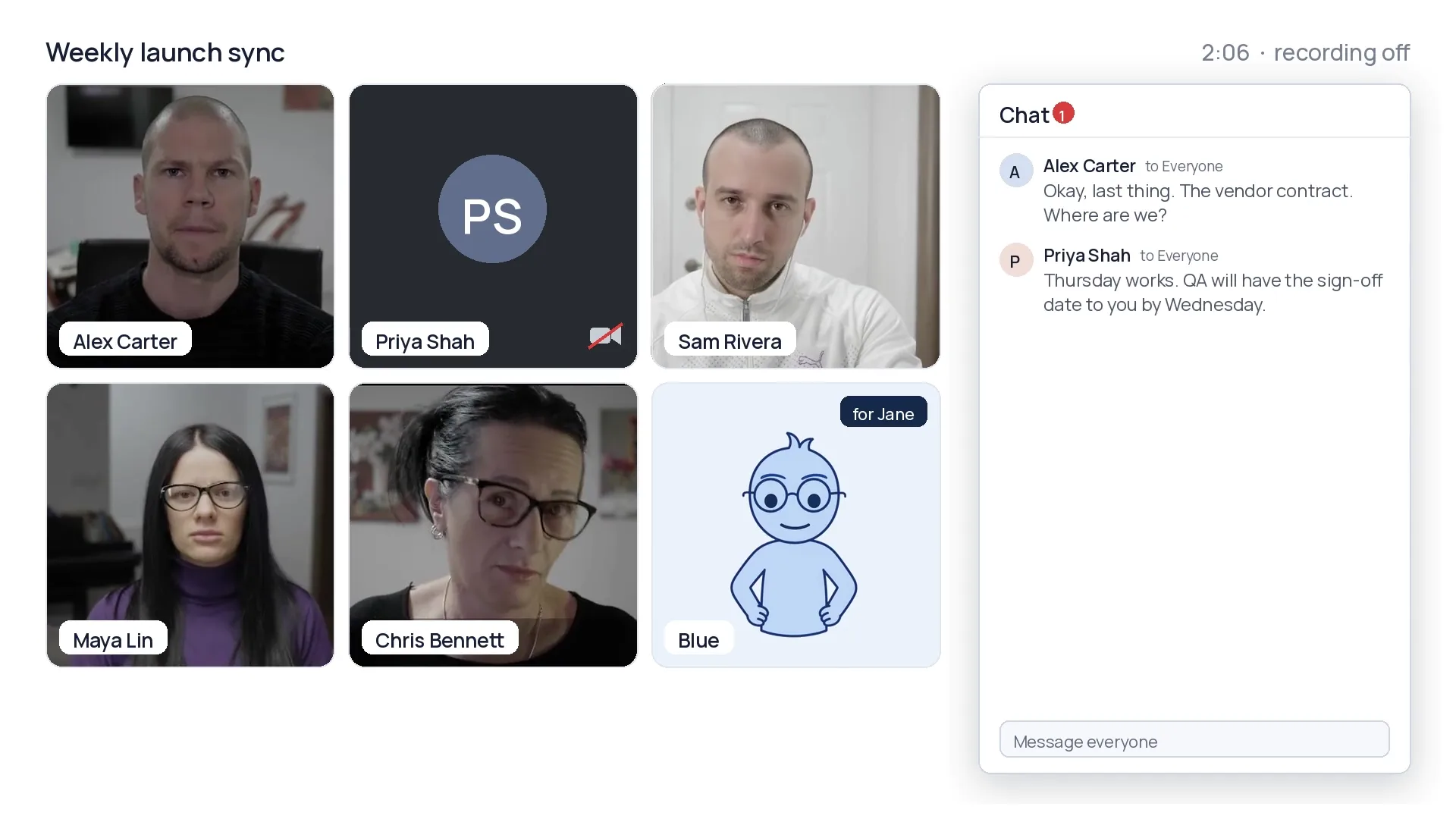
Blue takes the meeting. With you or for you.
Blue joins the call, keeps the notes and catches every decision and owner. Can’t make it? Send Blue. You get the recap and the next steps, not a recording you’ll never watch.
With you
Stay in the conversation. Blue tracks who said what and who owes what.
For you
Double booked? Blue goes in your place and reports back with what needs you.
Works on top of the tools you already use.
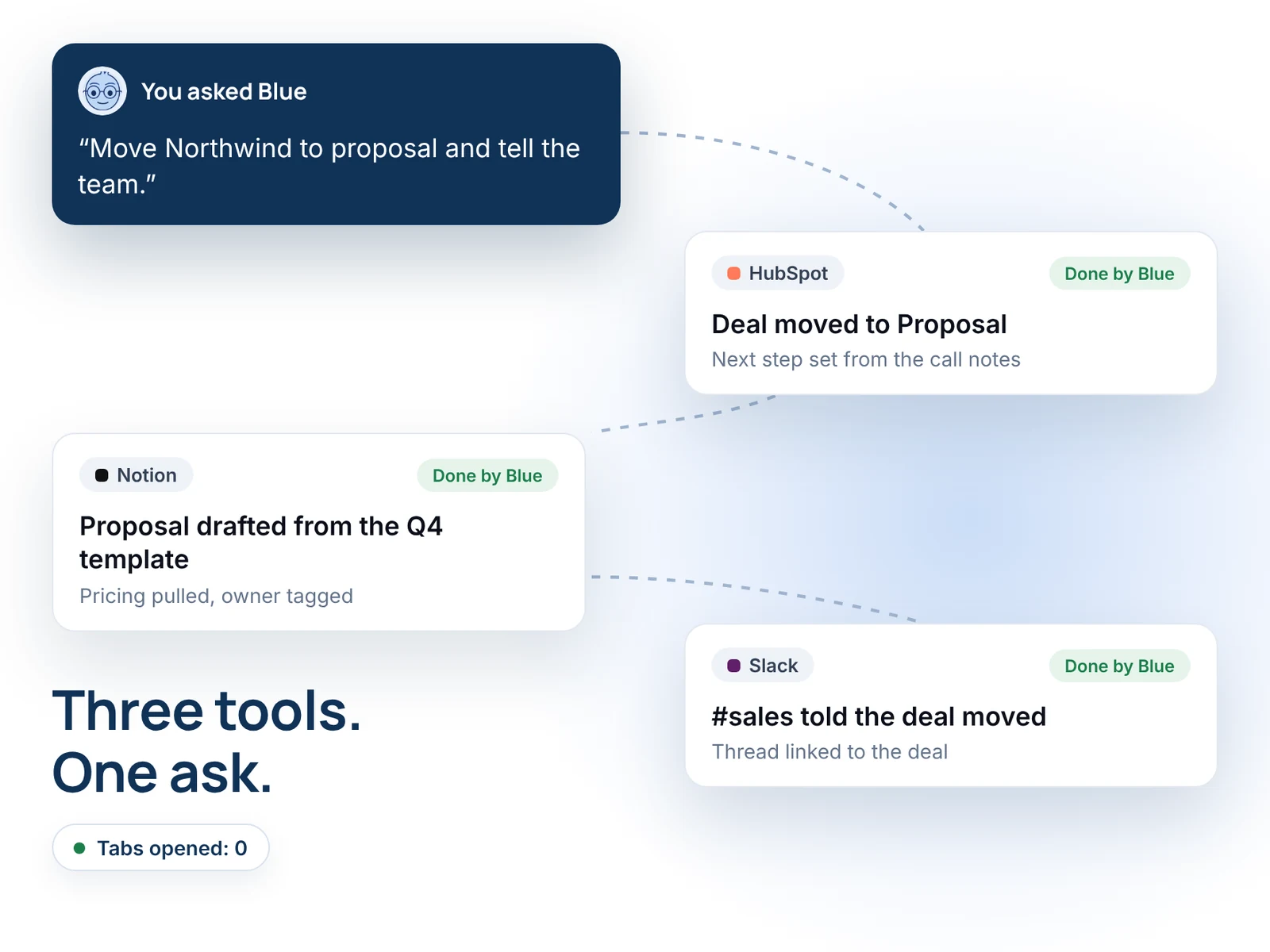
Nothing new to log into and nothing to migrate. Blue connects Slack, Google Workspace, HubSpot, Zoom, Notion and Xero, so the work you’re juggling finally lives in one place.
Things finally move.
What did this week’s meetings actually cost?
Free meeting cost calculator. Two minutes to see the hours, the dollars and what actually moved forward.
Calculate my meeting costFree, no credit card.
.png)
Now you see what’s actually happening.
The Work Engine measures work across every tool, so the numbers stop being a guess.
- Where time is going.
- Where money is leaking.
- Where invisible work is piling up.
- Where performance is real.
No more guessing. No more visibility games.
See the Work Engine →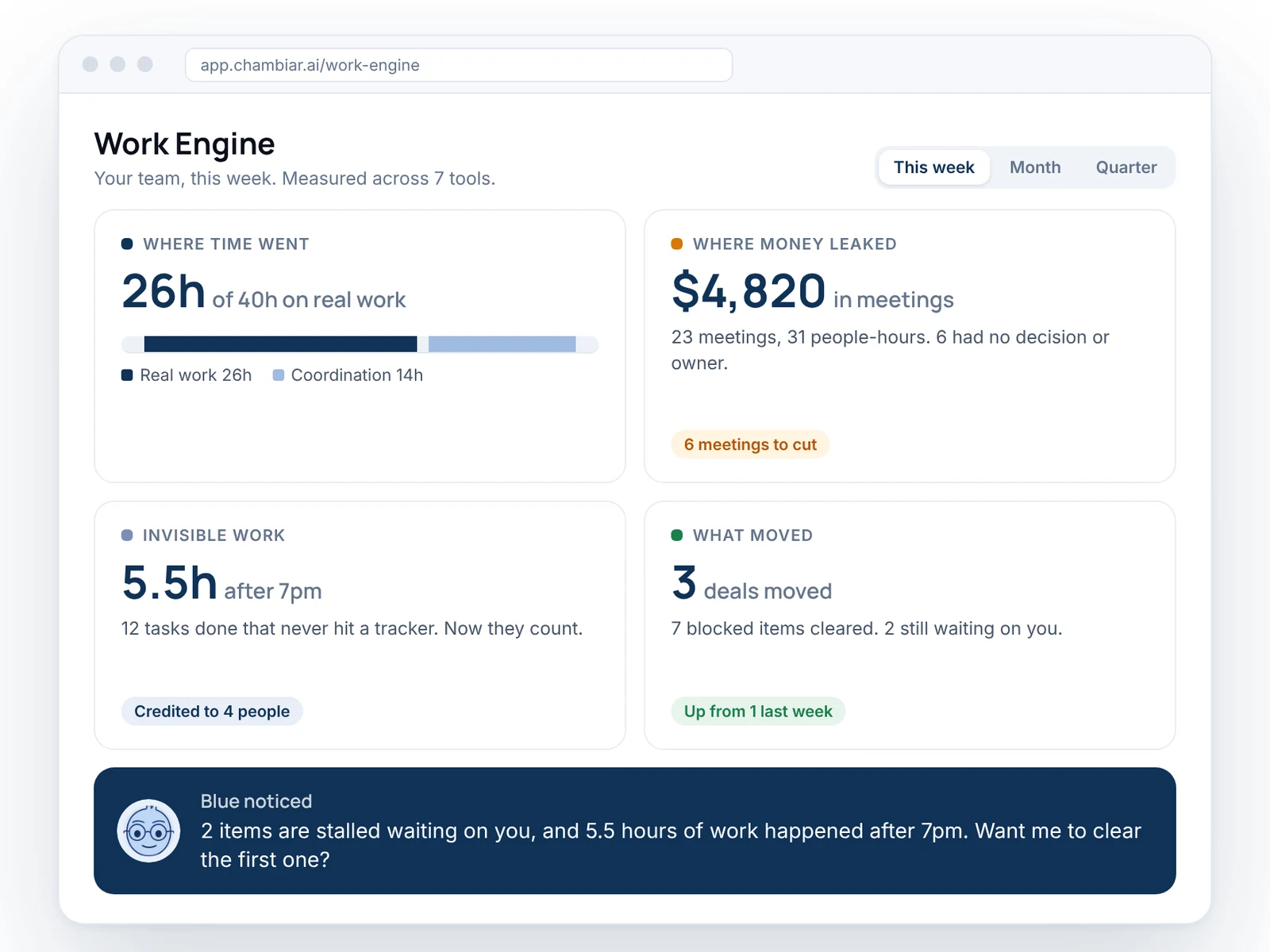
FAQ
Plain answers on what Blue does, what it touches and what it takes to start.

Still have a question?Ask the team →
Is Blue an AI chief of staff or an AI coworker?
Both. It depends who’s asking.
For a leader, Blue is the chief of staff: what changed overnight, what’s stuck, who’s waiting on whom. For everyone else it’s the coworker who does the follow-up: drafts the reply, books the slot, updates the record. Same Blue, same context.
Does Blue act without asking me?
Only where you’ve said yes.
Blue drafts first and acts when you approve. You decide, tool by tool, what it can read and what it can do on its own, and every action lands in a log you can open. Trust gets earned in the open.
Where does my data go?
It stays where it already lives.
Chambiar connects through each tool’s own sign-in and reads only what it needs for the job. Nothing gets migrated. It’s built by a team with backgrounds in enterprise privacy law and federal cybersecurity.
How long does setup take?
About as long as connecting Slack.
Sign in to the tools you already use and Blue starts from what’s already there: the threads, the calendar, the docs, the CRM. No new workspace to build, no templates to fill in.
How much do too many meetings actually cost?
More than the salaries in the room.
The prep, the follow-ups, the context switching on either side, and the real work that moved to 9pm. A salary calculator misses all of it. The Work Receipt doesn’t.
Calculate my meeting costIs Chambiar another project management tool?
No. It’s the reason you won’t need another one.
Project tools ask you to keep them updated. Chambiar is the coordination layer across Asana, Notion, HubSpot and the rest, and does the updating for you. Your team keeps the tools they like. The switching between them is what goes.
See how it worksWho is it for, and can I use it now?
Anyone running their week across ten tabs.
Founders, consultants, ops leads and small teams who coordinate more than they get to do. The beta is open, 66 companies are in, and we onboard in signup order.
Get early access